

Identifying Faulty Screens – Key Steps for Repairs
Screen problems can quickly derail even the most confident repair job. A faulty display affects not only device usability but also how customers judge repair reliability and value. For British technicians and DIY enthusiasts alike, recognising the difference between a simple software glitch and true hardware failure makes a world of difference. This guide focuses on the core principles of faulty screen identification that help you accurately diagnose issues, select the right solution, and keep your repair standards high.
Table of Contents
- What Is a Faulty Screen? Core Principles
- Common Faulty Screen Types and Symptoms
- Diagnosing Hardware Versus Software Issues
- Step-By-Step Visual and Functional Checks
- Risks, Costs And Warranty Implications
- Avoiding Common Misdiagnosis Mistakes
Key Takeaways
| Point | Details |
|---|---|
| Understanding Screen Faults | Screen faults can arise from physical damage, pixel issues, or functional malfunctions, requiring careful diagnosis to identify the root cause. |
| Diagnostic Approaches | Employ both visual inspections and functional checks to accurately evaluate screen performance and identify specific issues. |
| Repair Considerations | Weigh the costs and warranty implications of manufacturer versus third-party repairs, as well as the quality of replacement parts. |
| Avoiding Misdiagnosis | Use systematic diagnostic protocols to mitigate cognitive biases and ensure thorough assessment of all potential issues. |
What Is a Faulty Screen? Core Principles
A faulty screen represents any display device that fails to function correctly, compromising the visual performance and user interaction of electronic devices. These issues can emerge from various physical or technical complications that disrupt the normal display operation.
According to foundational electronic system principles, screen faults typically manifest through several core characteristics:
- Visual distortions or irregular pixel rendering
- Unresponsive touch interfaces
- Colour inconsistencies or colour reproduction failures
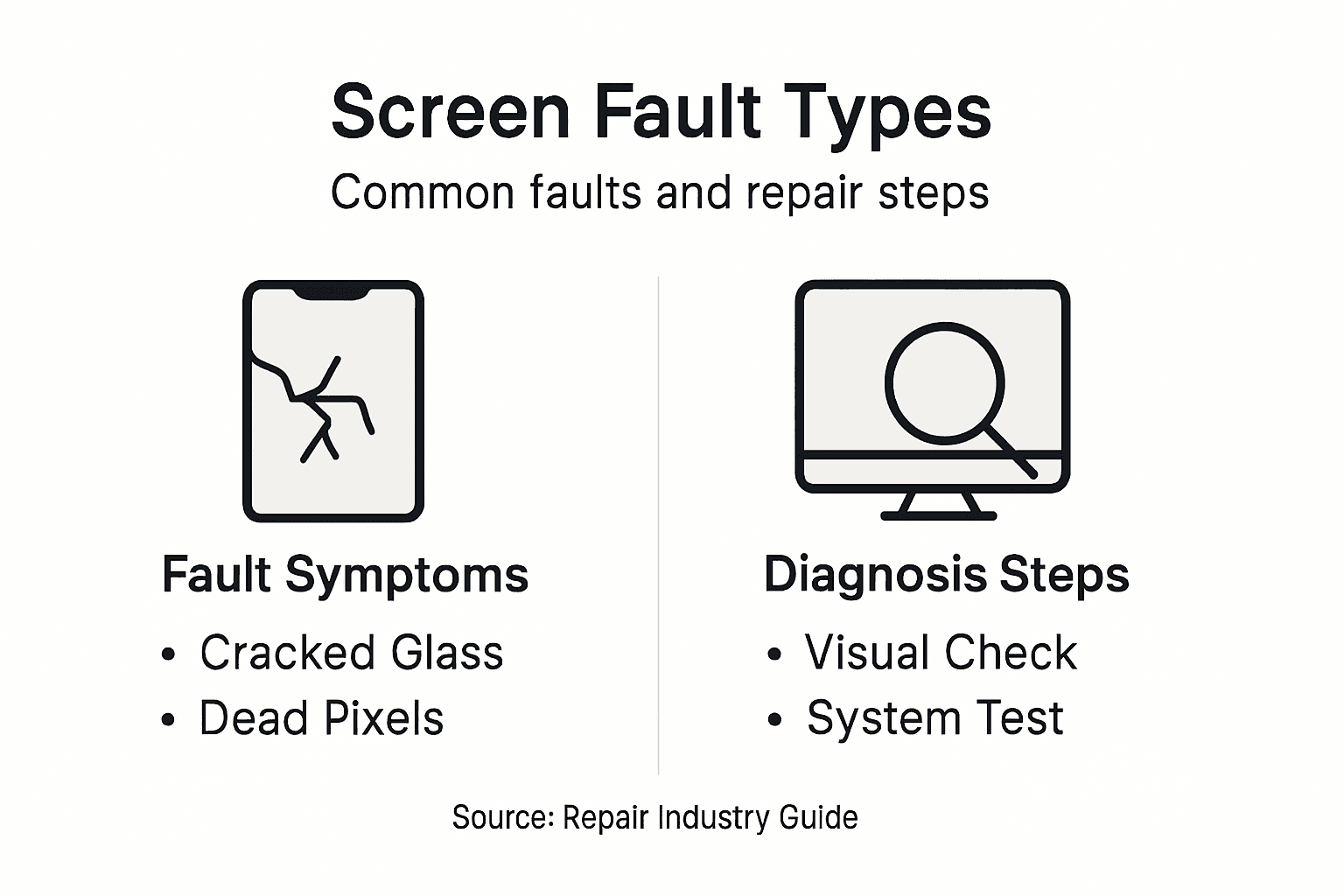
- Physical damage like cracks or dead pixel zones
- Internal connection disruptions between display components
Technical malfunctions can stem from multiple sources, including manufacturing defects, physical trauma, moisture exposure, or gradual component degradation. Professional diagnostics require systematic assessment of both hardware integrity and underlying electronic functionality.
The complexity of screen failures demands a nuanced understanding of display technologies. Different screen types - LCD, OLED, AMOLED - exhibit unique fault characteristics that require specialised diagnostic approaches. Screen assembly variations further complicate repair strategies, necessitating precise component knowledge.
The table below compares common screen technologies, highlighting typical fault characteristics and diagnostic challenges:
| Screen Type | Common Faults | Unique Diagnostic Challenge |
|---|---|---|
| LCD | Backlight failures, ghosting | Distinguishing panel vs. backlight problems |
| OLED | Burn-in, colour shifting | Isolating organic layer degradation issues |
| AMOLED | Flickering, uneven brightness | Separating driver IC and pixel faults |
Pro tip: Always document screen abnormalities with detailed photographs and written descriptions to aid accurate diagnosis and potential warranty claims.
Common Faulty Screen Types and Symptoms
Screens can develop various complex issues that manifest through distinctive visual disruption patterns. Understanding these symptoms helps technicians diagnose and address display malfunctions more effectively.
The primary categories of screen faults include:
-
Pixel-Related Issues
- Dead pixels (permanently black or white spots)
- Stuck pixels (single-colour persistent areas)
- Clustered pixel failures
-
Physical Damage
- Cracked display surfaces
- Pressure-induced discolouration
- Impact-related fracture lines
-
Functional Malfunctions
- Touch interface unresponsiveness
- Intermittent display flickering
- Colour calibration errors
Technical symptoms often indicate deeper hardware complications. Screen time exposure research reveals that display anomalies might stem from backlight degradation, internal connection failures, or electronic component stress.
Professional diagnostic approaches require systematic evaluation of these symptoms. Repair strategies must consider the specific screen technology - LCD, OLED, or AMOLED - as each displays unique failure characteristics that demand specialised intervention.
Pro tip: Photograph screen abnormalities from multiple angles and document precise symptom descriptions to facilitate accurate professional assessment.
Diagnosing Hardware Versus Software Issues
Diagnosing screen problems requires a nuanced understanding of hardware security methodologies that distinguish between physical component failures and software-related complications. Technicians must develop a systematic approach to accurately identify the root cause of display malfunctions.
Key diagnostic strategies for differentiating hardware and software issues include:
-
Hardware Indicators
- Physical damage to screen surface
- Visible component deterioration
- Consistent display performance failures
- Electrical connection interruptions
-
Software Symptoms
- Intermittent display glitches
- Driver-related rendering problems
- Operating system interface errors
- Temporary functionality disruptions
The diagnostic process demands a methodical approach that evaluates both mechanical integrity and digital system performance. Hardware issues typically manifest as persistent, unchanging problems that cannot be resolved through simple software resets or system updates. Software complications, conversely, often present as unpredictable and potentially recoverable display abnormalities.
Professional repair technicians utilise comprehensive diagnostic tools that systematically isolate potential fault sources. This approach involves detailed visual inspection, specialised testing equipment, and a deep understanding of device architecture across different screen technologies.
Pro tip: Perform a comprehensive system diagnostic using both hardware testing tools and software troubleshooting protocols to definitively identify the source of screen malfunctions.
Step-By-Step Visual and Functional Checks
Technicians must adopt a structured approach when conducting comprehensive visual examination procedures. Systematic screening helps identify screen faults efficiently and accurately before initiating complex repair processes.
Visual Inspection Sequence:
-
External Surface Assessment
- Check for physical cracks or structural damage
- Examine screen for discolouration or dark spots
- Inspect screen edges and corners for micro-fractures
-
Display Performance Evaluation
- Test full screen luminescence
- Verify colour consistency across display
- Check for pixel irregularities or dead pixel zones
Functional Diagnostic Checks:
- Touch Responsiveness Testing
- Brightness and Contrast Calibration
- Interface Navigation Verification
- Screen Resolution Confirmation
Professional diagnostics require meticulous attention to both visual indicators and performance metrics. Functional screening protocols recommend comprehensive testing that goes beyond surface-level observations, ensuring thorough fault identification.

Each diagnostic step builds upon previous observations, creating a holistic understanding of potential screen malfunctions. Technicians must remain methodical, documenting each finding to support accurate repair strategies.
Pro tip: Use consistent lighting and a clean white background during visual inspections to reveal even subtle screen imperfections.
Risks, Costs And Warranty Implications
Screen repairs involve complex considerations around warranty protection mechanisms that can significantly impact consumer rights and repair strategies. Understanding these implications is crucial for making informed decisions about device maintenance and potential financial risks.
Key Warranty Risk Categories:
- Manufacturer-Imposed Restrictions
- Unauthorized Repair Penalties
- Cost Implications
- Coverage Limitations
Financial Considerations:
- Original Manufacturer Repairs
- Typically highest cost option
- Guaranteed warranty preservation
- Full component replacement
- Third-Party Repair Services
- More affordable alternatives
- Potential warranty voiding risks
- Variable quality of replacement parts
The Federal Trade Commission warns consumers about deceptive warranty practices that can unfairly restrict repair options. Manufacturers often create complex conditions designed to limit consumer choices and protect their financial interests.
Technicians and consumers must carefully evaluate repair strategies, considering not just immediate costs but long-term warranty implications. Transparent communication and thorough documentation can help mitigate potential disputes and protect consumer rights.
Refer to the table below for an overview of repair options and their implications:
| Repair Option | Cost Impact | Warranty Risk | Replacement Part Quality |
|---|---|---|---|
| Manufacturer Service | Highest | Warranty preserved | Certificated components |
| Third-Party Provider | Lower, variable | May void manufacturer war. | Quality varies by vendor |
| DIY Repair | Lowest upfront | Usually voids warranty | Non-guaranteed quality |
Pro tip: Always request written documentation of repair work and retain original warranty information to substantiate potential future claims.
Avoiding Common Misdiagnosis Mistakes
Screen repair diagnostics require meticulous attention to prevent diagnostic errors that compromise repair quality. Technicians must develop a systematic approach to overcome cognitive biases and ensure accurate fault identification.
Common Diagnostic Pitfalls:
- Premature Closure of Diagnostic Process
- Confirmation Bias in Symptom Interpretation
- Overlooking Subtle Display Anomalies
- Assuming Single Cause for Complex Issues
Cognitive Bias Mitigation Strategies:
- Multi-Perspective Assessment
- Involve multiple diagnostic techniques
- Cross-reference visual and functional tests
- Challenge initial diagnostic assumptions
- Systematic Diagnostic Protocols
- Follow structured diagnostic flowcharts
- Document each diagnostic step
- Maintain objectivity during investigation
Systematic diagnostic reviews emphasise the importance of comprehensive testing and avoiding overreliance on initial observations. Successful screen repair requires a holistic approach that considers multiple potential fault scenarios.
Professional technicians understand that misdiagnosis can lead to unnecessary component replacements, increased repair costs, and potential device damage. Rigorous, methodical testing remains the cornerstone of effective screen repair diagnostics.
Pro tip: Create a standardised diagnostic checklist to systematically evaluate screen issues and reduce the likelihood of misdiagnosis.
Get the Right Parts for Reliable Screen Repairs
Identifying a faulty screen is the crucial first step to restoring your device’s full functionality. Whether you face dead pixels, colour inconsistencies, or unresponsive touch interfaces, accurate diagnosis is only part of the solution. High-quality replacement components are essential to ensure lasting repairs and avoid recurrent problems described in the article.
At Buy2fix, we specialise in supplying a comprehensive range of mobile phone repair parts including LCD screens and display assemblies for major brands like iPhone, Samsung Galaxy, and Huawei. Our products come with rigorous quality assurance and a one-year warranty giving you confidence in your repair. DIY enthusiasts and professional technicians alike benefit from free UK mainland shipping and expert guidance on installation. Browse our extensive inventory and take advantage of competitive pricing by visiting Buy2fix main site.
Make sure you secure genuine or best-quality aftermarket parts that match your screen technology types such as LCD or AMOLED. Start your repair journey now before minor screen faults escalate into costly damages. Explore our repair parts collection at Buy2fix and select the precise components you need. Don’t delay getting your device back to its optimal condition with trusted replacement parts.
Frequently Asked Questions
What are the common symptoms of a faulty screen?
Common symptoms include dead or stuck pixels, cracked display surfaces, touch interface unresponsiveness, intermittent display flickering, and colour calibration errors.
How can I distinguish between hardware and software issues affecting my screen?
Hardware issues typically present as consistent, unchanging problems with physical signs of damage, while software issues often manifest as intermittent glitches that may be resolved through updates or resets.
What diagnostic steps should I take to evaluate a faulty screen?
Start with a visual inspection of the external surface for cracks and discolouration, followed by performance evaluations such as testing luminescence, colour consistency, and touch responsiveness.
What risks are associated with screen repairs regarding warranty?
Repairs can affect warranty coverage, particularly with third-party services that may void manufacturer’s warranties. It’s essential to understand manufacturer restrictions and consult warranty terms before proceeding with repairs.
Recommended
- How to Replace LCD Screen: Step-By-Step Easy Guide – buy2fix
- How to Fix Phone Screen Near Me Cheap: A Practical Guide – buy2fix
- How to Get Phone Screen Fixed Safely and Efficiently – buy2fix
- Screen Replacement Best Practices: Ensuring Lasting Repairs – buy2fix
- Home Inspection Repair Guide for Confident Buyers and Sellers
- Heat Shrinking Window Tint: 2025 Guide for Installers – AEONCUT PPF Pre-cut Cutting software
Let customers speak for us
The acid test of any company is how they respond when things go wrong. The Buy2Fix team were efficient in dealing with my emails and resolved the issue to my complete satisfaction

For Samsung Galaxy A26 SM-A266B Original Earpiece Speaker with Cable

Very good communication throught. Good product

Well made part very strong easy to fit great value for the money

Well packed, with fast shipping :)

Exactly what the doctor ordered…great color, comfort, and durability. Trust this watch band!

Brilliant strap, second purchase, bought bracelet before. Excellent value. Thank you

Great item for splitting your Audio signal

Outstanding product!
Next level customer service.

Very satisfied but the delivery needs to get more faster...

Good price,quick delivery

Best phone case ever! This is my second one as I broke my first. Would defo recommend

Great fitting Apple Watch bands

For Apple Watch Ultra 3 / 2 / 1 49mm RedPepper Armor Metal Case Integrated Silicone Watch Band(Steel Black White)

Good price and quick postage
