

Fix common mobile camera problems with expert repair tips
Most smartphone users try restarting their device when the camera fails, yet many problems persist despite these basic fixes. The reality is that mobile camera faults stem from complex interactions between hardware damage, software conflicts, and environmental factors that demand specialised diagnostic approaches. This guide equips repair technicians and enthusiasts with proven strategies to identify root causes, select genuine replacement parts, and execute reliable repairs that restore full camera functionality.
Table of Contents
- Why Mobile Cameras Fail: Causes And Symptoms
- Understanding Your iPhone Camera Hardware And Software
- Risks Of Using Nongenuine Parts And Improper Repairs
- Best Practices For Diagnosing And Repairing Mobile Camera Issues
- Explore Genuine Parts And Expert Guides At Buy2Fix
- Mobile Camera Problem FAQ
Key takeaways
| Point | Details |
|---|---|
| Camera failures combine hardware and software causes | Physical damage, debris, thermal stress, and software glitches interact to create complex fault patterns requiring professional diagnostics |
| Genuine parts prevent safety and quality issues | Original components ensure precise fit, optimal image quality, and eliminate risks of battery damage or overheating from nongenuine alternatives |
| iPhone camera module designs vary significantly by model | Understanding generation-specific architecture like Dynamic Island redesigns aids targeted repairs and prevents incompatible part selection |
| Professional diagnostics outperform basic troubleshooting | Systematic testing isolates actual root causes versus symptoms, avoiding wasted effort on ineffective repairs |
| Proper reassembly prevents secondary damage | Following strict disassembly procedures and tracking replaced components protects battery integrity and maintains device safety |
Why mobile cameras fail: causes and symptoms
iPhone camera failures often result from complex hardware and software interactions that confound basic troubleshooting attempts. Many users assume software updates or app reinstallation will resolve issues, yet underlying hardware damage remains unaddressed. This diagnostic gap leads to repeated failures and mounting frustration.
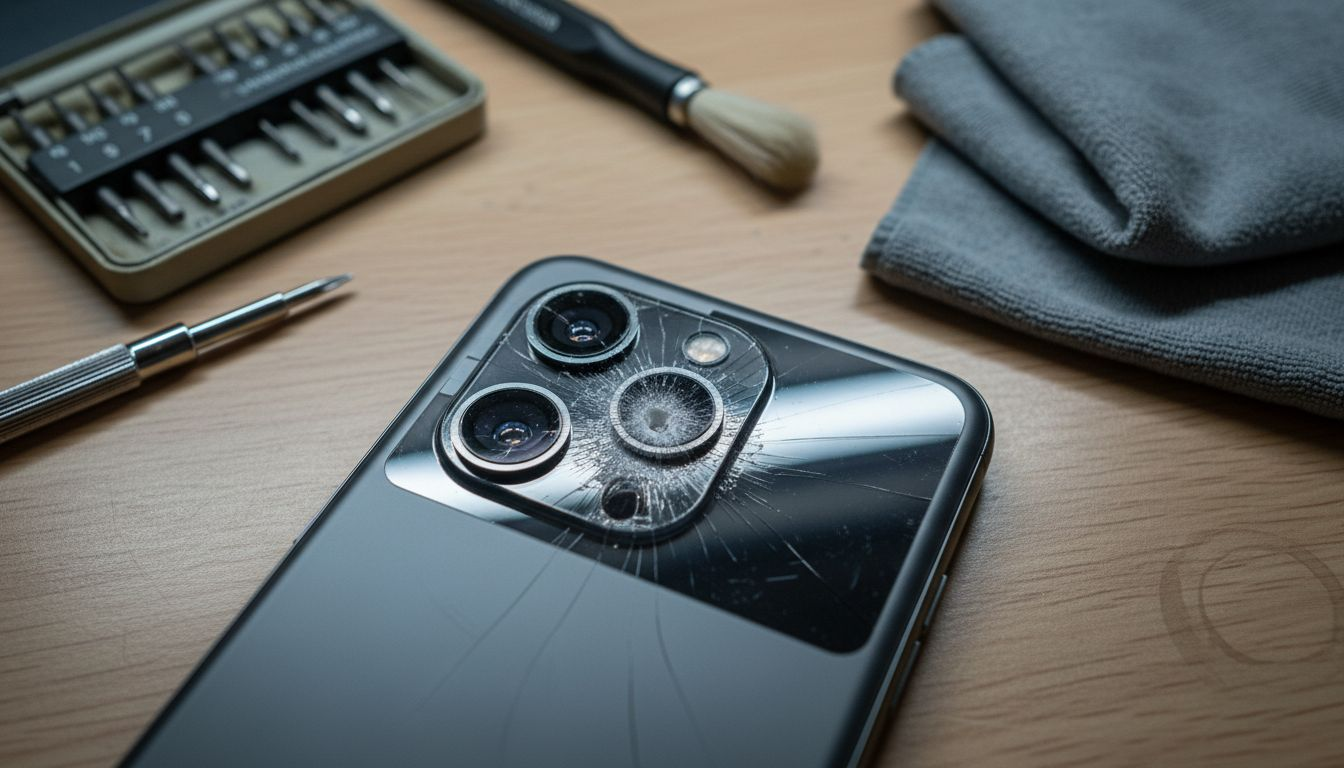
Physical damage, debris, lint, or heat damage can cause camera failures through multiple pathways. External impacts crack lens assemblies or misalign sensor arrays, whilst microscopic dust particles infiltrate sealed modules during repairs. Thermal pressure from prolonged video recording or demanding apps degrades solder connections and sensor components over time.
Low available memory compounds these problems by forcing the camera app to compete for resources, triggering crashes that mask hardware faults. Symptoms manifest across a spectrum from complete app failures to subtle image degradation that users initially dismiss.
Common camera fault symptoms include:
- Camera app crashes immediately upon launch or freezes during photo capture
- Blurry images despite cleaning external lens surfaces
- Autofocus hunting continuously without locking onto subjects
- Black screen display when switching between front and rear cameras
- Visible artefacts, colour shifts, or vertical lines in captured images
Pro tip: Test the camera in safe mode to isolate software conflicts from hardware faults. If problems persist without third-party apps running, hardware damage is highly likely.
Understanding why phone cameras fail requires examining these interconnected factors systematically. A cracked lens might allow moisture ingress that corrodes flex cables, whilst overheating during charging can weaken adhesive bonds securing the camera module.
Understanding your iPhone camera hardware and software
Apple continuously refines camera architecture with each iPhone generation, creating model-specific repair considerations that technicians must master. Apple redesigned front-facing modules around Dynamic Island in iPhone 14 Pro/Max models, fundamentally altering disassembly procedures and part compatibility compared to earlier versions.
The standard iPhone 14 retains front camera designs closely mirroring iPhone 13 counterparts, simplifying parts sourcing for these models. However, Apple upgraded the main rear camera on standard iPhone 14 and revised front modules on Pro/Max variants, requiring careful verification before ordering replacement components.
iPhone camera module specifications by generation:
| Model | Front Camera | Main Rear Camera | Notable Changes |
|---|---|---|---|
| iPhone 13 | 12MP standard | 12MP wide | Diagonal lens arrangement |
| iPhone 13 Pro/Max | 12MP with autofocus | 12MP wide, 3x telephoto | ProRes video support |
| iPhone 14 | 12MP standard | 12MP upgraded sensor | Photonic Engine processing |
| iPhone 14 Pro/Max | 12MP Dynamic Island | 48MP main, 3x telephoto | Pill-shaped cutout design |
Replacement parts for iPhone 13 Pro Max front cameras differ mechanically from iPhone 13 Pro front modules despite similar specifications, emphasising the importance of exact model matching. Installing incompatible parts creates mounting stress that damages surrounding components.
The Dynamic Island redesign on Pro models repositions sensor arrays and alters flex cable routing paths. Technicians accustomed to traditional notch designs must study updated teardown guides to avoid severing critical connections during disassembly.
Pro tip: Photograph each disassembly stage with your own device to create a personalised reassembly reference. This practice prevents confusion when working across multiple iPhone generations simultaneously.
Software integration with these hardware changes means iOS updates sometimes expose latent camera faults by demanding higher performance from aging components. A camera module functioning adequately on iOS 16 might struggle with computational photography features in iOS 17, revealing marginal hardware degradation.
Risks of using nongenuine parts and improper repairs
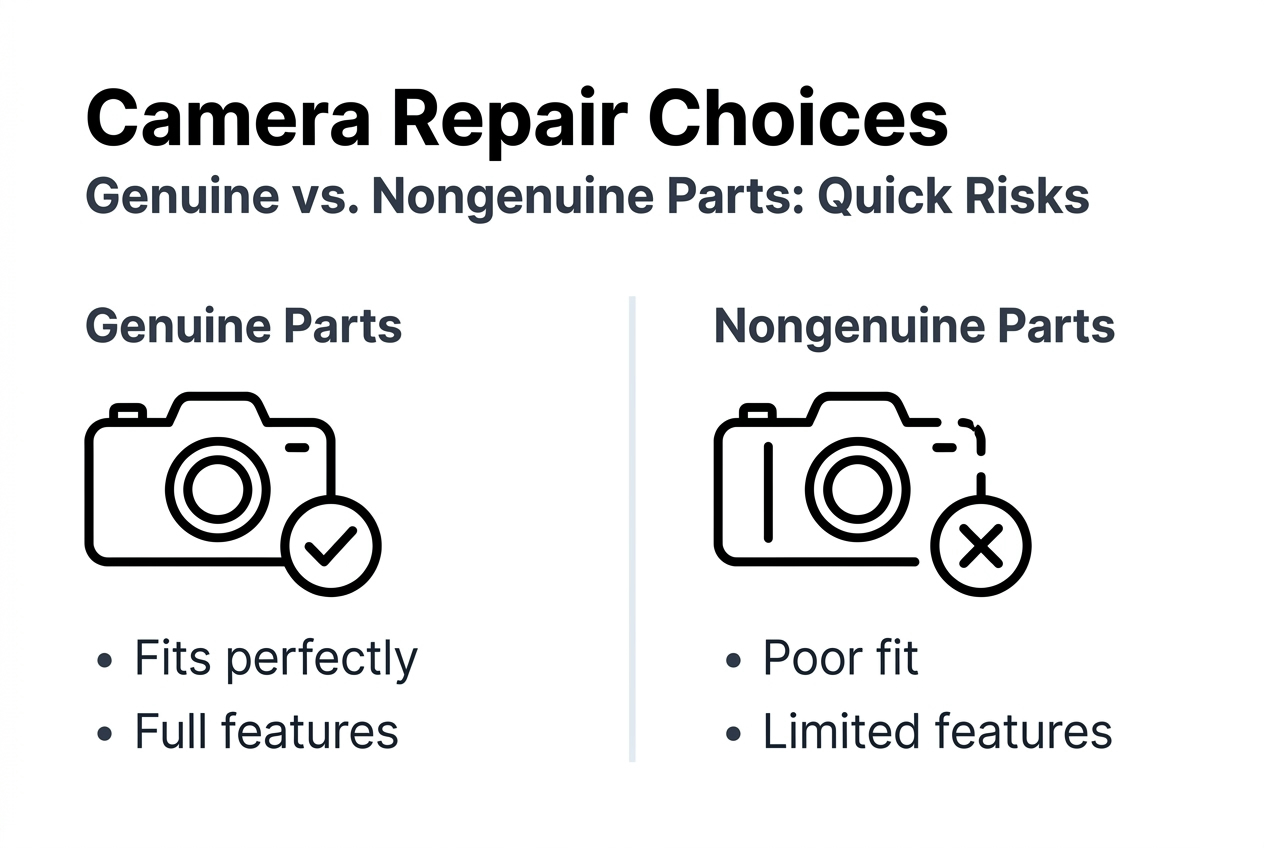
Choosing replacement camera modules solely by price creates substantial risks that outweigh initial cost savings. Nongenuine parts cause poor focus, partial subject focus in portrait mode, and app crashes because optical elements and sensor calibrations fail to match Apple’s specifications.
Third-party camera apps relying on advanced features like depth mapping or computational photography often freeze or display blank previews when nongenuine modules lack proper hardware identifiers. These failures frustrate users who expect full functionality after paying for repairs.
Physical installation problems compound quality issues. Improper repairs result in loose internal parts that damage batteries or cause overheating when components shift during normal device handling. A missing screw or incorrectly routed flex cable transforms a simple camera repair into a safety hazard.
Dangers of nongenuine camera parts:
- Optical coatings that scratch easily or degrade image sharpness
- Autofocus mechanisms that drift out of calibration within weeks
- Missing thermal management features leading to sensor overheating
- Incompatible electrical characteristics damaging logic board circuits
- Absence of proper shielding causing electromagnetic interference
Original Apple parts maintain precise dimensional tolerances that ensure camera modules seat correctly without creating pressure points on adjacent components. Aftermarket alternatives frequently require forcing into position, stressing mounting brackets and flex cables.
Professional technicians understand the benefits genuine phone parts provide beyond immediate functionality. Proper parts selection preserves device resale value and prevents cascading failures that necessitate additional repairs.
The iPhone 12 camera glass replacement cost demonstrates how investing in quality components upfront avoids expensive rework. Cheap lens covers crack under minimal stress, exposing sensors to dust and moisture that destroy the entire camera assembly.
Best practices for diagnosing and repairing mobile camera issues
Professional diagnostics are essential before attempting repairs to avoid misdiagnosing symptoms and replacing functional components. Systematic testing isolates actual faults from user error or software conflicts that simple settings changes resolve.
Diagnostic procedure for mobile camera faults:
- Test camera functionality in safe mode to eliminate third-party app interference
- Inspect external lens surfaces and clean with microfibre cloth and lens solution
- Run built-in diagnostic tools or Apple Hardware Test for iPhones
- Check for iOS updates addressing known camera bugs or performance issues
- Open device carefully to visually inspect camera modules for physical damage
- Test flex cable connections by gently reseating connectors and observing changes
- Measure voltage at camera power pins to verify logic board supplies correct current
Clearing debris from camera assemblies requires compressed air and proper ESD protection to avoid static damage to sensitive components. Lint accumulation around lens barrels often mimics focus motor failures, making thorough cleaning a crucial first step.
DIY versus professional repair comparison:
| Factor | DIY Repair | Professional Service |
|---|---|---|
| Cost | £20-£50 parts only | £80-£150 including labour |
| Time Required | 2-4 hours for inexperienced | 30-60 minutes |
| Tool Investment | £50-£100 initial purchase | No additional cost |
| Warranty Coverage | Voided on self-repair | Maintained with authorised providers |
| Success Rate | 60-70% for first attempts | 95%+ with proper diagnostics |
| Risk of Additional Damage | Moderate to high | Minimal |
Independent Repair Providers have access to genuine parts, tools, and training that dramatically improve repair outcomes compared to DIY attempts with inadequate resources. These authorised technicians maintain service histories and can update device records for iPhone 12 and newer models.
Using genuine replacements from verified suppliers protects device integrity and ensures optical performance matches factory specifications. The iPhone X camera problem guide illustrates how older models require generation-specific knowledge to avoid common pitfalls.
Following detailed disassembly procedures prevents damaging hidden components like wireless charging coils or taptic engines positioned near camera assemblies. Magnetic project mats organise tiny screws by removal sequence, eliminating confusion during reassembly.
Pro tip: Apply a thin layer of isopropyl alcohol to adhesive seals before separation to soften bonds and reduce force required. This technique prevents cracking fragile glass components during opening.
Documenting replaced parts creates service history records valuable for warranty claims and resale transactions. Professional repair shops photograph serial numbers and installation dates, establishing clear accountability for component quality.
The comprehensive why phone cameras fail repair analysis emphasises how rushed repairs without proper preparation cause most secondary damage. Patience and methodical procedures consistently outperform speed in achieving lasting results.
Explore genuine parts and expert guides at Buy2Fix
Successful mobile camera repairs depend on sourcing authentic components from trusted suppliers who verify part authenticity and compatibility. Buy2Fix specialises in genuine iPhone camera modules backed by comprehensive quality testing and technical support for repair professionals.
Our extensive inventory covers iPhone models from legacy devices through current iPhone 17 series, ensuring parts availability regardless of device age. Each camera module undergoes rigorous inspection before dispatch, confirming optical clarity, autofocus operation, and electrical specifications match manufacturer standards.
Access detailed repair guides developed by experienced technicians who understand common pitfalls and model-specific challenges. These resources complement genuine parts with step-by-step procedures that minimise risks and maximise first-time repair success rates. Shop confidently with Buy2Fix’s one-year warranty and 30-day return policy protecting your investment in quality components.
Mobile camera problem FAQ
Why does my mobile camera sometimes show a black screen?
A black camera screen typically indicates failed initialisation of the camera module or corrupted software preventing proper sensor activation. Hardware causes include damaged flex cables, failed camera sensors, or loose connector contacts from previous drops. Software conflicts arise when iOS updates introduce bugs or third-party apps interfere with camera access permissions.
How can I tell if the camera problem is hardware or software?
Test the camera in safe mode by restarting whilst holding the volume down button to disable third-party apps. If the camera functions normally in safe mode, a software conflict exists. Persistent black screens, physical lens damage, or intermittent functionality across multiple apps indicate hardware faults requiring component replacement.
Are DIY repairs safe for mobile cameras?
DIY camera repairs carry moderate risks for experienced individuals with proper tools and detailed guides. Inexperienced attempts frequently damage fragile flex cables, crack lens assemblies, or misalign sensor arrays during reassembly. Professional service provides warranties, genuine parts verification, and expertise that justify costs for valuable devices or complex repairs.
What are the benefits of genuine camera parts?
Genuine camera modules maintain optical quality, autofocus accuracy, and computational photography features identical to factory installation. Original parts prevent portrait mode failures, app crashes, and image degradation common with nongenuine alternatives. Proper dimensional tolerances ensure safe installation without stressing surrounding components or creating battery damage risks.
Can replacing the camera affect my phone’s warranty?
Unauthorised repairs void Apple’s limited warranty and AppleCare coverage immediately upon device opening. However, Consumer Rights Act 2015 protections remain valid for manufacturing defects regardless of third-party repairs. Independent Repair Providers authorised by Apple can replace cameras whilst maintaining warranty status by updating service records in Apple’s system.
How do I prevent future mobile camera problems?
Protect cameras with quality cases featuring raised bezels that prevent lens contact with surfaces during drops. Avoid exposing devices to extreme temperatures or prolonged direct sunlight that degrades sensor components. Close camera-intensive apps when not actively needed to reduce thermal stress, and update iOS regularly to receive performance optimisations and bug fixes addressing camera issues.
Recommended
Let customers speak for us
Great

I saw this item and it was just what I was looking for. I found it here but not in Amazon or e-bay. However, it was in UK, I was surprised to find that they were able to ship it to the US. Excellent company, would do business with again

This is great for when out and about, to sharpen either coloured pencils, or watercolour pencils….would order again.

Great items would bye again

I have purchased several items from this store before. Recently, I encountered an issue with my latest order. After reporting the problem to customer support, they were consistently attentive and made every effort to resolve the situation. Upon investigation, they acknowledged the issue and promptly fixed it. This experience has increased my level of trust in this store.
Thank you so much. I'm so happy.

très bien

BC70 Car Bluetooth 5.0 FM Transmitter Radio Adapter Dual Display Wireless Handsfree Call MP3 Music Player QC3.0 PD USB Charger

A quite sturdy cover, if you are looking for full protection and a more business-like style, this cover perfectly fulfills its purpose.
The shipping was fast, and it was delivered in perfect condition.

For LG TV Bluetooth Handheld Infrared Voice Multi-Function Remote Control(AKB75855501)

Tusen tack för bästa service och produkt som jag vänlig önskar dig tack

Works correctly and no issues so far

Took a while to get here but it was all good, watch looks brand new after replacement

What a fantastic 👏🏻 stylish case that has helped my phones temperature in the heatwave!!
Perfect 👌🏻 also it's cool as f##k

I love it!
