


1
/
von
6
No reviews
SW68 2 In 1 Switcher USB Manual Print Sharer, Color: Black
SW68 2 In 1 Switcher USB Manual Print Sharer, Color: Black
SKU: TBD0602685701
Normaler Preis
£13.39
Normaler Preis
Verkaufspreis
£13.39
Versand wird beim Checkout berechnet
Duties & Import Tax Information
Duties are only included if shown at checkout. Otherwise, your local government may apply customs fees, which your courier will collect directly from you before delivery.
In Stock
CHN
This item is shipped from China.
Processed in 0–3 days
Anzahl
Verfügbarkeit für Abholungen konnte nicht geladen werden
Shipping info
To find all available shipping methods and exact delivery times, add the product to your cart and check using our shipping calculator.
30-day returns
Fast refunds: Once we receive and check your item, we aim to process your refund within 48 hours.
Return postage: Just changed your mind? You'll need to cover the return postage. If the item arrived faulty, we'll cover the cost to get it back to us.
Your details are safe
We treat your data the way we'd want ours treated. Your payment details are locked down with bank-level encryption. We never actually see your credit card numbers, and we will absolutely never sell your personal information.
Product Details
Type:
USB 2.0 HUB
1. 2 computers share a printer, no need to plug and unplug cables for office printing
2. Mouse switching: Right-click on the mouse to select the icon, and select Switch to switch
3. Shortcut key switch: switch by keyboard hot key, convenient and fast
4. Button switching: through the body buttons, one-button switching
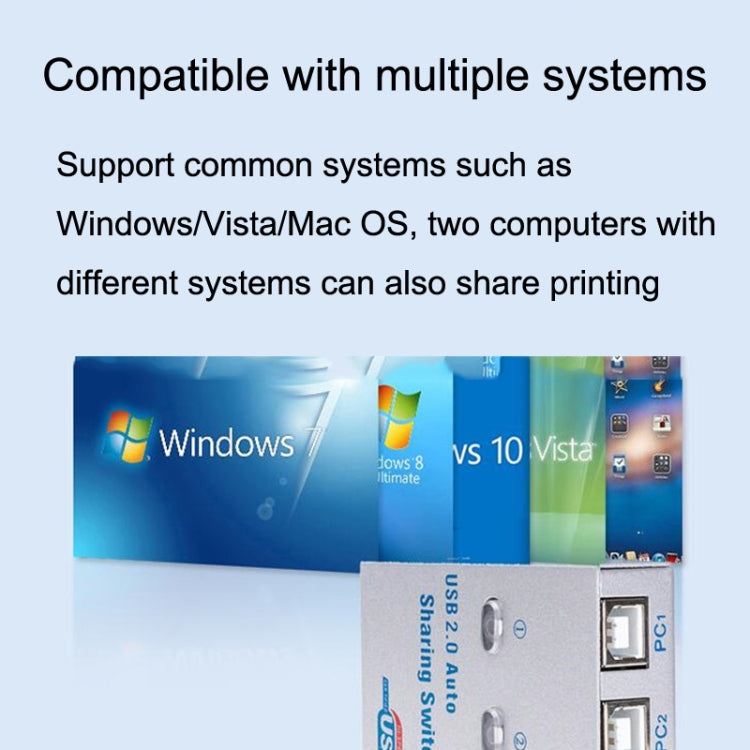
5. Applicable to many USB devices, compatible with various systems
6. With indicator light, know the working status in real time
7. No power supply required, plug and play
8. Interface: 1 x USB A female interface / 2 x square port USB
9. Applicable: Scanner/U Disk/Card Reader/Printer/Copy
10. Switching method: panel key switching/keyboard hotkey switching/computer software switching
11. Dimensions: 65x40x17mm
Print icon color description:
1. Green: indicates that the printer is connected to the machine and can be printed
2. Yellow: indicates that the printer is connected to other computers; it needs to be switched before it can be connected to the machine for printing
3. Red: Indicates that the printer is transmitting, or the computer software conflicts, you need to click YES after clicking the switch
Use suggestions:
1. Try to use a good quality USB cable
2. Try to connect the printer and the sharer with a short cable, and the total length of the cable should not exceed 5 meters (for Pratt & Whitney printers, it is recommended that the standard wire within 3 meters is recommended)
Verified Compatible
Guaranteed fit for device in the title. Wrong part? Full refund including shipping.
Teilen


£13.39