Delivery: Typically 4-8 working days total including 1-3 days handling to the UK (estimated times for other locations shown at checkout)
Import duties and taxes may apply depending on destination. UK orders under £135 or less ship DDP with no extra charges at delivery. Orders over £135 may have import duties.
Ships from China. Your order will be processed and dispatched from the warehouse within 1–3 days if you order by 12 AM London.
Trusted by DIY & repair professionals in 40+ countries
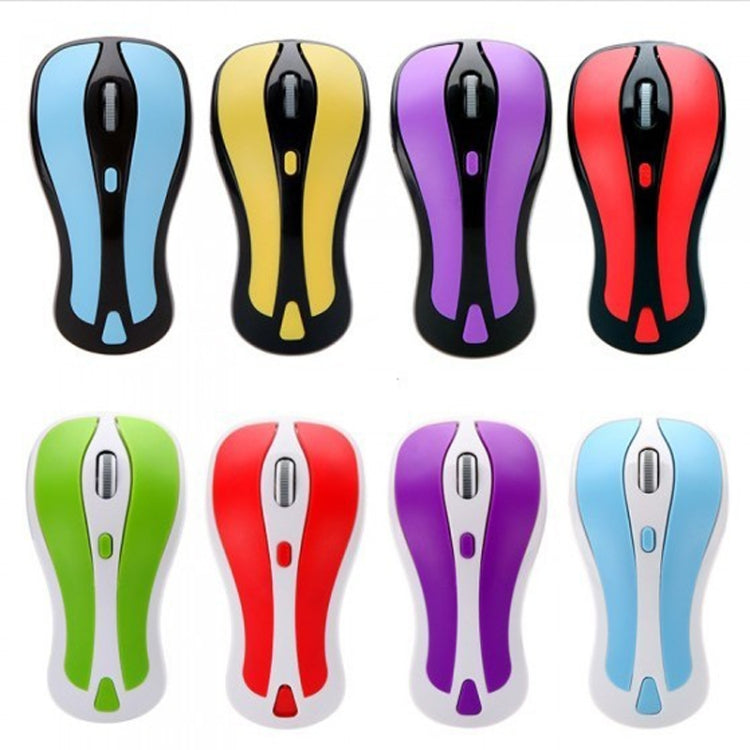
Main Features 1. 2 in 1 Mouse: 2.4GHz optical mouse + 6D gyroscope fly air mouse. 2. Wireless working distance: 10m. 3. 4-Levels DPI Adjustable: 600/800/1200/1600DPI. 4. Nano USB receiver, plug and play. 5. 6D gyroscope fly air mouse, control conveniently, easy to use. 6. Support system: Windows 2000 / XP / Vista / 7, Android, Mac OS etc. 7. Arched shape provides support for your hand in a natural and comfortable position. 8. Battery mode: 2 x AAA battery (not included).
Instruction for use 1. Press the Storage Key to open the battery compartment. 2. Take out the USB receiver form the battery compartment, plus it into a USB host on your PC. 3. Insert 2 AAA batteries with correct polarity (+/-). 4. Close the battery compartment. 5. Slide the power switch to the ON position. 6. After use, insert the USB receiver into your mouse battery compartment for storage.
Switch the mouse mode 1. The mouse is optical mouse default. 2. Click the Mode Select Key: The mouse goes to air mouse mode; Click the Mode Select Key again, the mouse returns to optical mouse mode.
Pairing the mouse If the mouse not working while new batteries in the mouse, you should try to re-Pairing the mouse: 1. Click the pairing button one times, the mouse into pairing mode 2. Re-plug the USB wireless receiver into USB port of the PC 3. Wait 30 seconds, if the mouse still does not work, try again (1.2.), it may take several tries before you are successful.
Need help choosing the right product? Compare options or check compatibility – click here for assistance.
Verified Compatible
Guaranteed fit for device in the title. Wrong part? Full refund including shipping.